
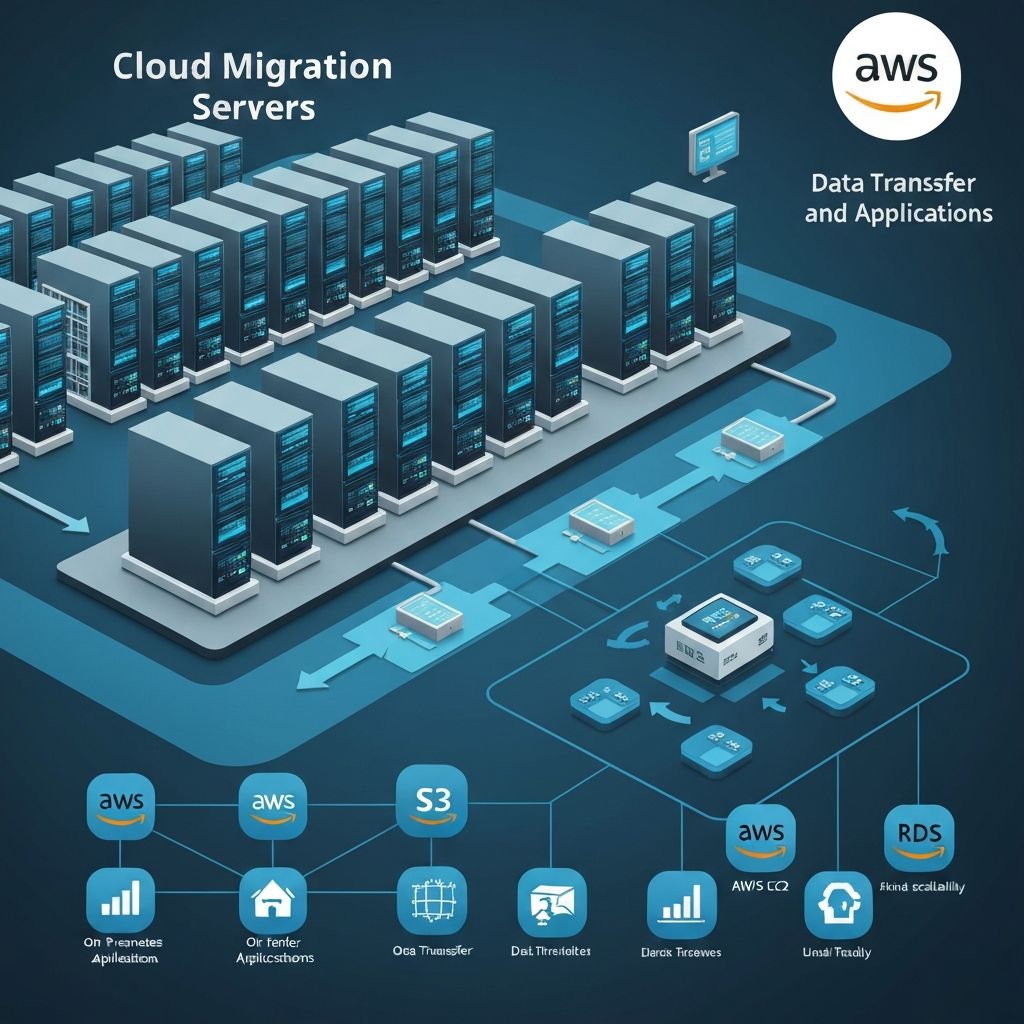
Cloud migrations fail in predictable ways: unclear goals, lift-and-shift without right-sizing, no rollback plan, and security bolted on at the end. Whether you're moving a simple website or a multi-tier enterprise application, the same patterns separate smooth migrations from expensive ones.
The good news: Cloud migration is no longer risky if you follow proven patterns. The bad news: Most companies make the same preventable mistakes that cost time, money, and sometimes result in catastrophic downtime.
This guide lays out a practical, technical roadmap you can follow. Whether you're migrating a single application or an entire data center, these patterns work.
Why Migrate to AWS?
The real reasons companies move (not marketing speak):
Cost Savings
- • Average 40-60% reduction in infrastructure costs
- • No capital expenditure (CAPEX)
- • Pay-as-you-go eliminates waste
- Example: $200K annual on-premise → $80-120K AWS
Scalability
- • Scale up for Black Friday, scale down afterward
- • Auto-scaling handles traffic spikes automatically
- • No more buying servers 6 months in advance
- • Handle 10x traffic without manual intervention
Reliability
- • AWS uptime: 99.99% (4 minutes downtime/month)
- • Typical on-premise: 99.5-99.7% (22-88 hours/year)
- • Multi-AZ deployments for disaster recovery
- • Automated backups and recovery
Security
- • SOC 2-aligned, ISO 27001 certified, HIPAA- and PCI-DSS-compliant architectures
- • Better security than most company data centers
- • Automated security patches
- • DDoS protection included
The 6 R's Migration Strategy
AWS's official migration strategies—choose the right approach for each application:
1. Rehost (Lift and Shift)
Move as-is to AWS without changes
2. Replatform (Lift, Tinker, and Shift)
Minor optimizations during migration
3. Repurchase (Drop and Shop)
Move to SaaS solution
4. Refactor/Re-architect
Redesign for cloud-native architecture
5. Retire
Turn off unused applications
6. Retain
Keep on-premise for now
Our Recommendation for Most Clients:
Start with Replatform (80% of apps), Refactor mission-critical apps (10%), Retire unused apps (10%).
Zero-Downtime Migration Techniques
For mission-critical applications, downtime isn't an option. Here are three proven patterns we use:
Pattern 1: Blue-Green Deployment
┌──────────────────────────────────────┐
│ BEFORE CUTOVER:                      │
│ Load Balancer → [Blue - Old System] │
│                  (100% traffic)      │
│                  [Green - AWS]       │
│                  (0% traffic)        │
└──────────────────────────────────────┘

┌──────────────────────────────────────┐
│ DURING CUTOVER:                      │
│ Load Balancer → [Blue - Old]        │
│              ↓  (20% traffic)        │
│              → [Green - AWS]         │
│                 (80% traffic)        │
└──────────────────────────────────────┘

┌──────────────────────────────────────┐
│ AFTER CUTOVER:                       │
│ Load Balancer → [Green - AWS]       │
│                  (100% traffic)      │
│                  [Blue - Old]        │
│                  (standby 48hrs)     │
└──────────────────────────────────────┘
Cost Optimization from Day One
Don't just "lift and shift" costs. These strategies save 30-50% immediately:
Right-Sizing
Most companies over-provision on-premise. Right-size in AWS:
- • On-premise thinking: "We need 32GB RAM in case we need it"
- • AWS approach: Start with 16GB, auto-scale if needed
- Savings: 30-50%
Reserved Instances
Worked Example: Cost Optimization
Example Migration Scenarios
Illustrative scenarios showing typical architectures and outcomes — not specific client engagements.
Example 1: Healthcare SaaS Migration
Profile: Healthcare SaaS platform
Current: 3 on-premise servers, SQL Server
Users: 5,000 active users
Strategy: Replatform
Timeline: 12 weeks
Downtime: Zero
Architecture:
- • Web: EC2 with Auto Scaling (2-6 instances)
- • Database: RDS SQL Server (Multi-AZ)
- • Storage: S3 for backups
- • CDN: CloudFront
Typical outcomes:
- 60% cost reduction ($120K → $48K annual)
- 99.99% uptime (vs. 99.5% on-premise)
- Page load time: 4s → 0.8s
- HIPAA-eligible architecture
Example 2: Technology Platform Migration
Profile: Technology company
Current: Monolithic PHP app on 10 servers
Traffic: 100K visitors/day, peak 500K
Strategy: Refactor to containers
Timeline: 20 weeks
Approach: Blue-green deployment
Architecture:
- • Containers: ECS Fargate
- • Database: Aurora MySQL
- • Cache: ElastiCache Redis
- • CDN: CloudFront
- • Images: S3 + Lambda (resizing)
Typical outcomes:
- 70% cost reduction (by scaling down off-peak)
- Handled 2M Black Friday visitors (4x previous peak)
- Zero downtime deployments
- Page load: 2.5s → 0.6s
Frequently Asked Questions
How long does migration take?
Simple app: 4-8 weeks. Complex enterprise system: 3-6 months. Depends on application size, complexity, and chosen migration strategy. Plan for 20-30% longer than initial estimates.
Will there be downtime?
With proper planning, downtime can be less than 5 minutes (just DNS cutover). For mission-critical applications, zero-downtime migration is possible using blue-green or canary deployment patterns.
How much does it cost?
It depends on the number of applications, data volume, and how much re-architecture is needed — we scope every migration with a cost baseline before work starts. Ongoing cloud costs are typically 40-60% less than on-premise, and total ROI is usually achieved within 12-18 months.
What if something goes wrong?
Always have a rollback plan. Keep old infrastructure running 30+ days after migration as backup. With blue-green deployment, you can switch back to old system in minutes if needed.
Do we need AWS expertise in-house?
Helpful but not required initially. An experienced AWS migration team like ours can handle migration and train your team. Post-migration, having 1-2 AWS-certified engineers on staff is recommended for ongoing operations.